Your files, simply
Photos, videos, music and documents. Import files or a folder; access Google Drive and Dropbox through Android’s file picker when their apps are installed.
PRISMACAST · YOUR CONTENT CHANGES SCREENS
Bring videos, photos and music to your TV. Draw, explore your channels and control playback from an interface designed for your phone.
PrismaCast is being prepared. The phone app is not published on Google Play yet. The TV receiver is available for testing with the Android app.
PRISMACAST
Photos, videos, music and documents. Import files or a folder; access Google Drive and Dropbox through Android’s file picker when their apps are installed.
Open a platform such as YouTube or Twitch and cast compatible video content. Platforms and Music share the media; browser sharing has its own separate journey.
Add your own M3U playlists. Browse groups, search channels and find favorites in a dedicated IPTV space, separate from personal files. No channels are supplied.
Draw, add notes and a background image, then display your board on the big screen. Colors and zoom give your ideas room.
Navigation, volume and the commands supported by your TV. Pairing and features depend on its model and software; connection uses your local network.
Build your Android game library and start a TV session. PrismaCast TV receives games and the whiteboard directly; smoothness depends on the phone, game and Wi-Fi.
Network sources, video links, the queue and screen sharing have their own paths. Choose your content and screen before starting a session.
Google Cast, AirPlay on compatible Apple receivers, DLNA and PrismaCast TV provide different paths. Formats, controls and protected content vary by device. A protected source does not become castable just because it opens in a browser.
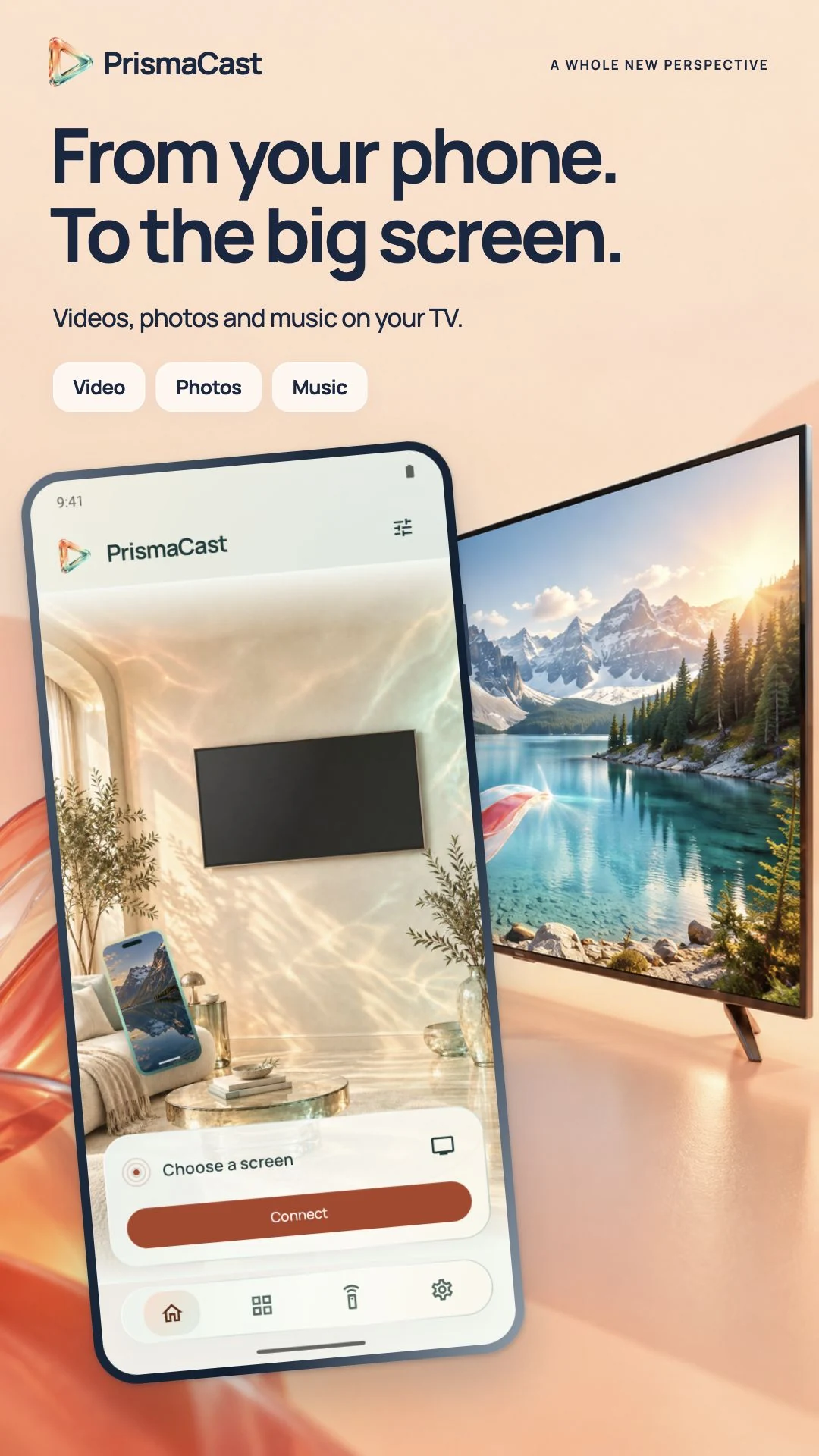
PrismaCast presentation visuals. The interface is evolving during development.


Built-in receivers such as Google Cast or AirPlay can work without PrismaCast TV. PrismaCast TV is an additional option on Android TV, Google TV and Fire TV, especially for the whiteboard and games.
Yes. Use the same local network and allow the permissions needed to discover your screen. Guest networks that isolate devices can prevent a connection.
No. Add your files, playlists and the sources you can access. Video services keep their own terms and restrictions.
This APK is for Android TV, Google TV and Fire TV. On Mac or Apple TV, use a compatible AirPlay receiver. Android APKs do not install on Apple products.
PrismaCast’s code is not published. You can download the official receiver here; its availability does not mean its source code is open.
Android TV · Google TV · Fire TV